
How To Place a Classified Ad (Illustrated)
Step (1)
Starting Point
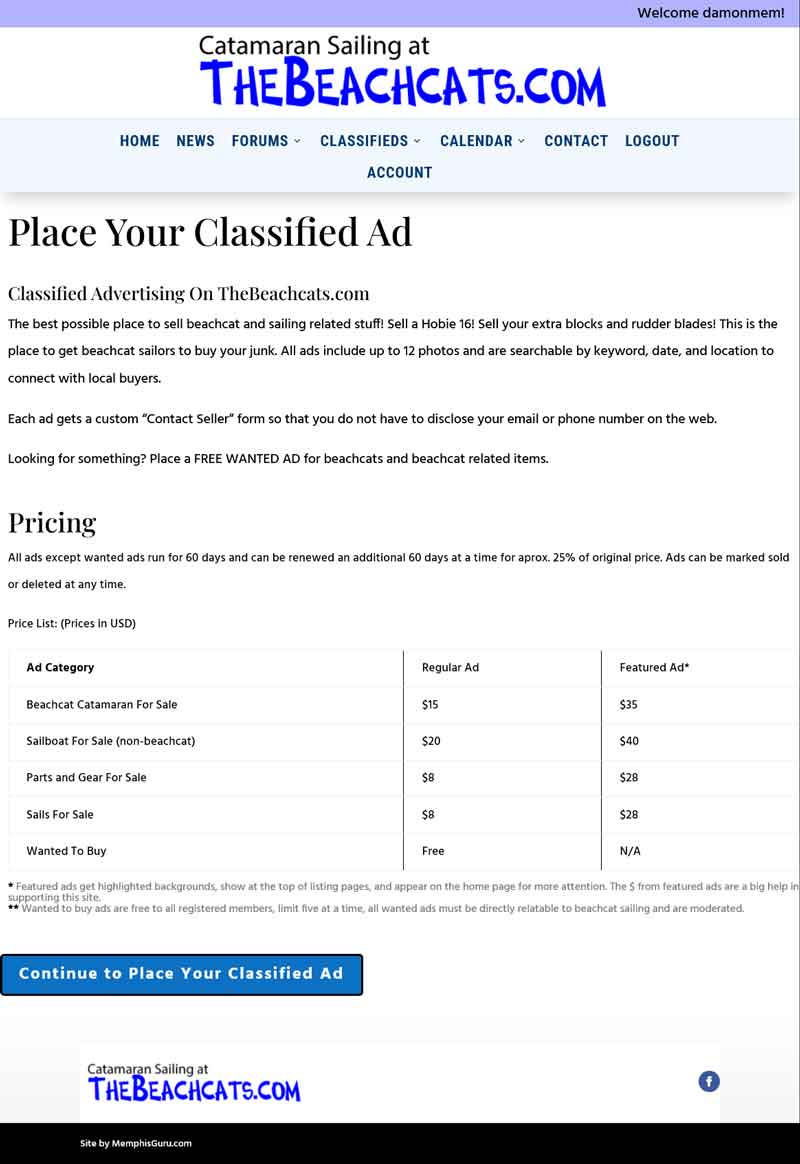
Read and understand the types of classified ads that can be placed at TheBeachcats.com.
Once you understand, use the button at the bottom to “Continue to Place Your Classified Ad”.
Step (2)
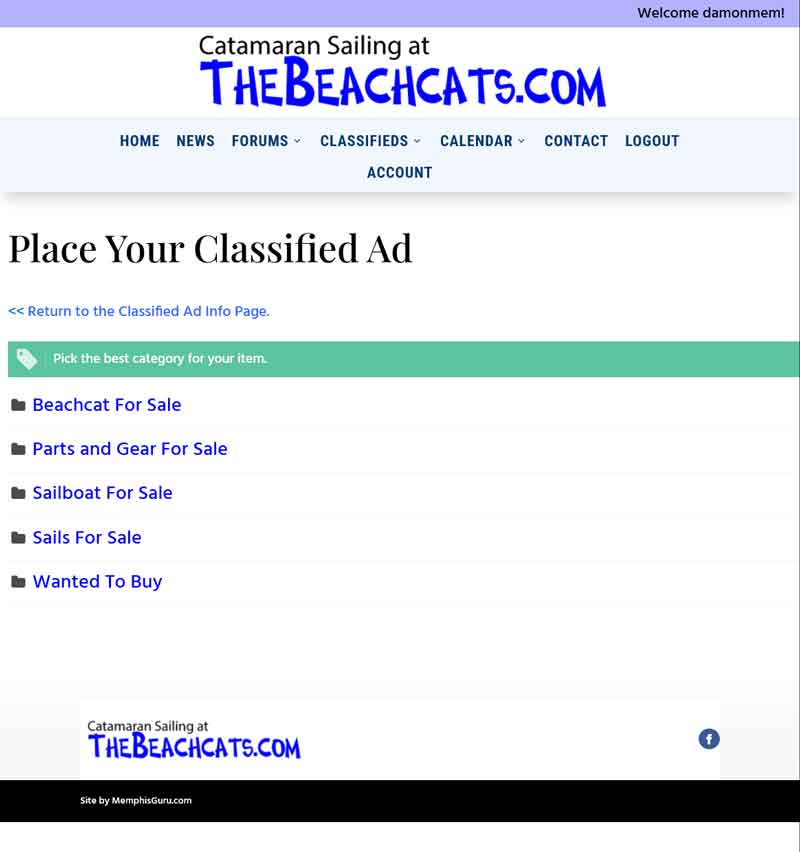
Choose Your Category
Click the category link that matches the type of ad you want to place.
Step (3)
Fill Out The Ad Form
This is the form where you input all of the information about your classified ad. Note: Some of the input fields are marked “Required” with a red asterick, the others are optional.
Note: Depending on the category, your form include different information.
The “Location” field (City, State) is required and there are two ways to fill it out. You can start typing your city in the form and the Google Maps Autocomplete will offer suggestions, or you can simply click on the “locate me” button (marked here with red arrow).

NOTE: Your browser will very likely want you to “Allow Location While Visiting Site” to use this feature.
At the bottom of the form you will find the choices for payment based on the prices listed in the first step. Choose One.
You will have the opportunity to PREVIEW YOUR AD in the next step, and come back here if your information isn’t correct.

Step (4)
Preview Your Ad
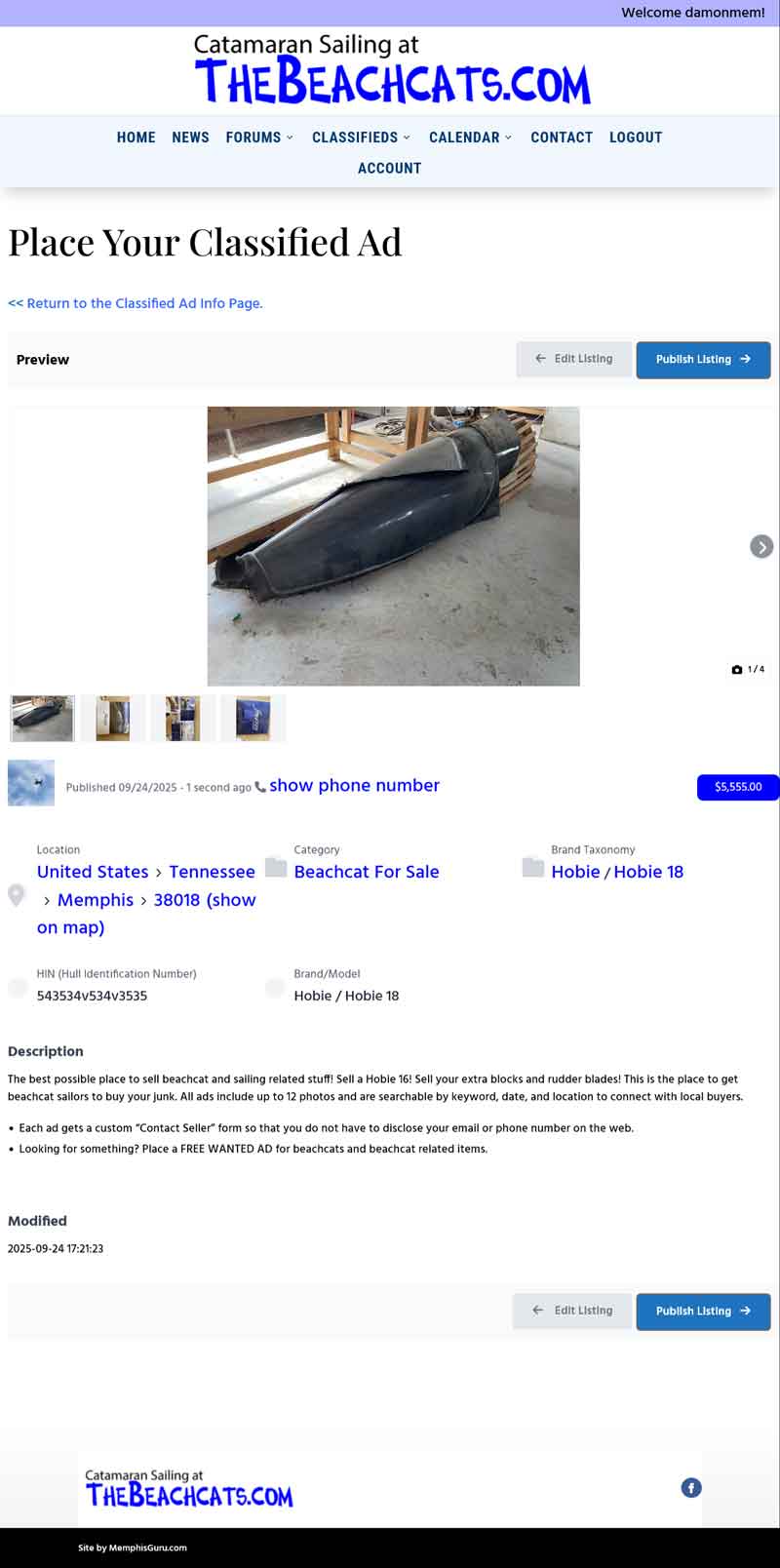
The preview gives you a chance to review all of your information close to how it will display before moving on the Publish/Pay.
Make sure it is all correct, if you find any errors, just click on the “Edit Listing” button at the bottom instead of the “Publish” one.
NOTE: If the large image is not the best one to represent your item, “Edit Listing” and drag the best one to first place.
Step (5)
Pay For Your Ad
NOTE: You will only see this screen if payment is required. If you are placing a free “Wanted to Buy” ad you will jump straight to the “Your Ad Has Been Published” page.
On this page you will see the amount due, and a secure form to enter your card details. You may choose to save your card details or not. All card details are handled by Stripe Payments and this site never has your card info.
Click “Place Order” when you are ready.

Step (6)
Payment Confirmation
Your Ad has been published…
After clicking “Place Order”, when your payment is processed you will get the notice “Your Ad has been published. You can see it here”, with a link to your live ad.
Thank You For Advertising on TheBeachcats.com!
