


try uploading it to a picturehosting site first, or just the photo albums of this site.

Is that you Mark? Cat-rat-hobo?
Naah! this is Robert, turbohobo. 😀
That sucks, I don't want to upload to any website, I want to be able to copy from pics stored on my hard drive and paste into forum. 😡

turbohobo wrote: That sucks, I don't want to upload to any website, I want to be able to copy from pics stored on my hard drive and paste into forum. 😡
That would be nice, but for an image to be seen on the Internet, it has to exist on the Internet.
Easiest way, and also provides access to the images for future members, is to create an album in the appropriate category in the photo albums here. Then use those photos to imbed in forum posts.
You can create your own free "all purpost" album with your own name in the Beachcats People top album.

A picture located on your hard drive at
C:\Documents and Settings\Robert\My Documents\My Pictures\H16
can only be seen by you. The internet is not like great big word file you can just cut and paste anything into. The pictures you see anywhere on the web are saved on web servers for use or display on web pages. All the image links do is tell the web page where to go to find that picture and display it.
The web can't find or see
C:\Documents and Settings\Robert\My Documents\My Pictures\H16
and you should be glad for that otherwise maybe they can also see
C:\Documents and Settings\Robert\My Documents\Bank Records
for example.
edited by: Quarath, Mar 10, 2010 - 11:59 AM
Dustin
I understand what you're saying, I was hoping to be able to use the "image" button on this website to copy an image from my pics stored on "C" and paste them onto the forum. PS I don't keep any bank records on my system

testing

Lets see if this works.
http://www.thebeachcats.com/index.php?module=pictures&g2_itemId=74387
edited by: Wolfman, Jun 20, 2010 - 06:32 PM

use the Image tag to post an image

edited by: andrewscott, Jun 20, 2010 - 07:39 PM
Yeah, Windows explorer is giving me fits here. Shouldn't be this tough to get an image address...
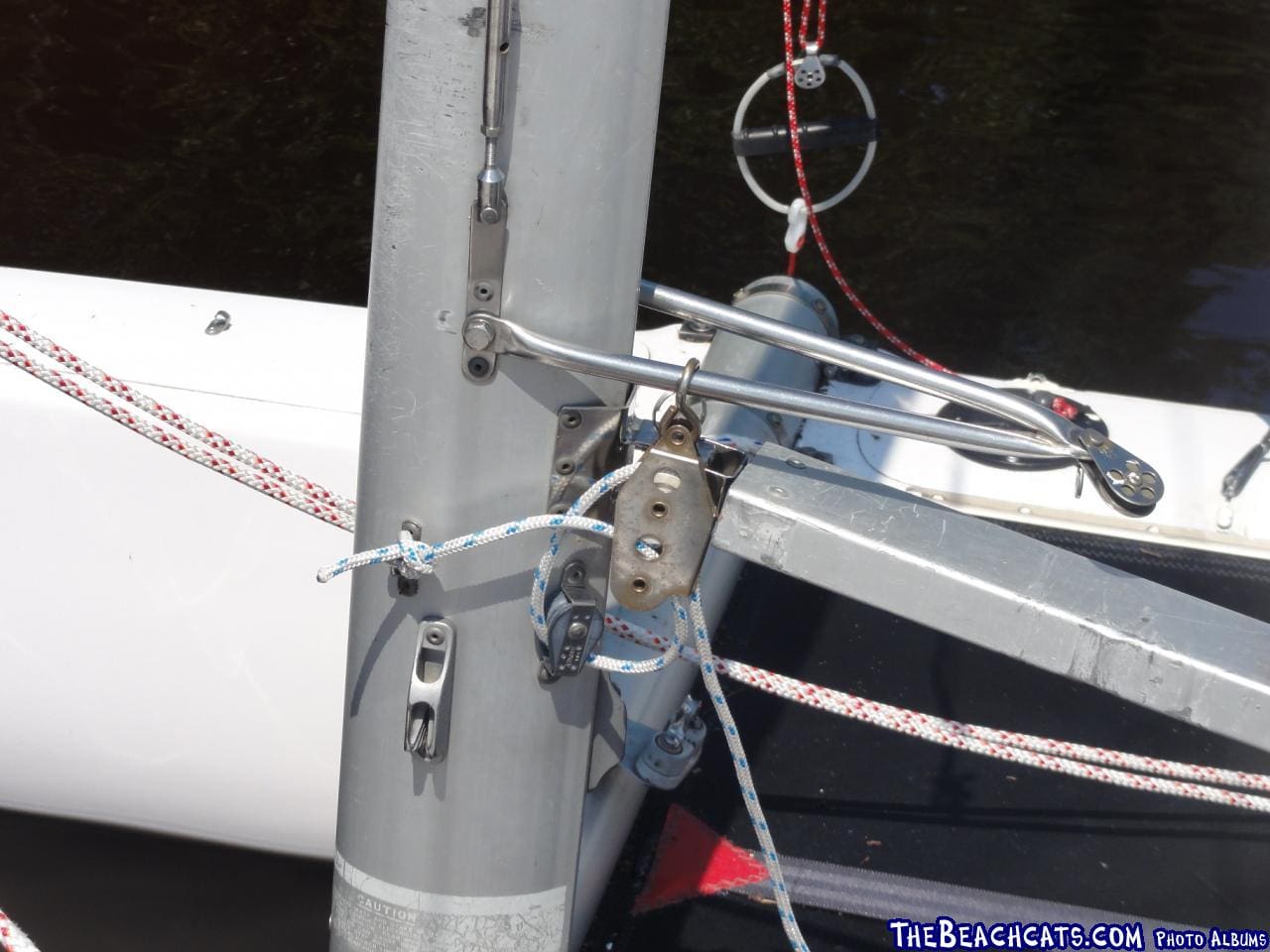
Hmm, might have to reduce the size of those images. Not that I mind being able to see the stitching in the jib...
edited by: Wolfman, Jun 20, 2010 - 06:43 PM

