

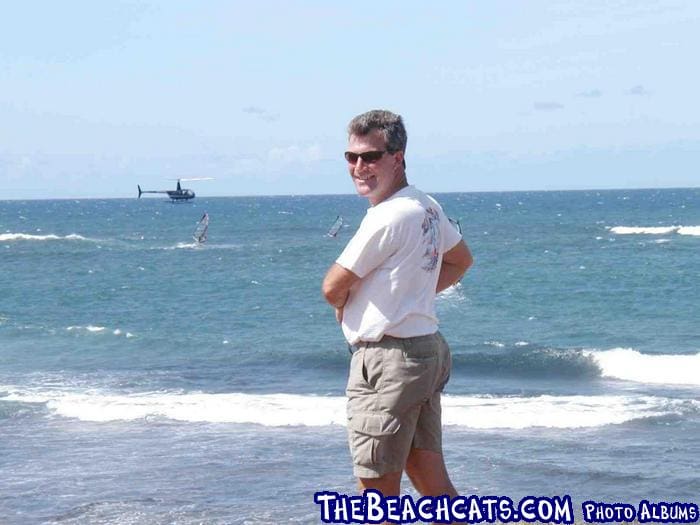
Gary flying his remote controlled helicoptor.

damonAdmin wrote:
Gary flying his remote controlled helicoptor.
If you take a quick look at this photo.... it is very deciving....BUT cool!
PS.... I like the new site. Time to move yahoo groups here.
It was a real and genuine, full sized helicopter, ... I swear! He was taking videography of the windsurfers on Maui.
GARY
I do not know how to change the avatar that is presented next to my name on my posts.
hobiegary wrote: I do not know how to change the avatar that is presented next to my name on my posts.
Gary, (and everyone)
You can manage a small group of personal pictures to attach to your profile and use as avatars.
First make sure you are logged in to the site and your username appears at the top left of the page "Hello Username"
Then click on "Your Account" link.
Click on "My Pictures"
Click on "Manage my own gallery"
Click on the "Browse" buton and select your picture, then click "submit".
A thumbnail of your picture will appear.
Click on the link under the picture that says "Use image as Avatar".
Simple as that. 😆